When you deploy a Laravel application remember to set the right folders and files permissions.
Here we suppose that:
- WEB SERVER is “www-data” and belongs the group “www-data”
- SERVER ADMIN is “ubuntu” and belongs the group “ubuntu”
Step 1 : “ubuntu” owns all the directories and files
sudo chown -R ubuntu:ubuntu /path/to/your/laravel/root/directory
Step 2 : Add “ubuntu” to “www-data” group
sudo usermod -a -G www-data ubuntu
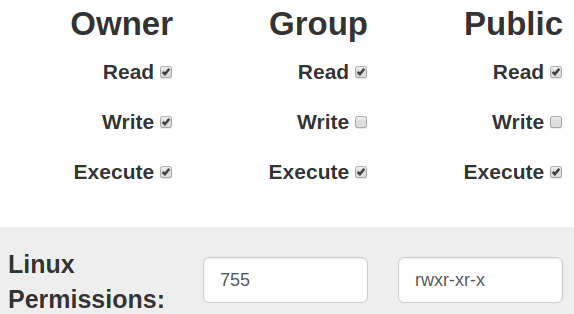
Step 3 : Set permissions for folders
sudo find /path/to/your/laravel/root/directory -type f -exec chmod 755 {} \;
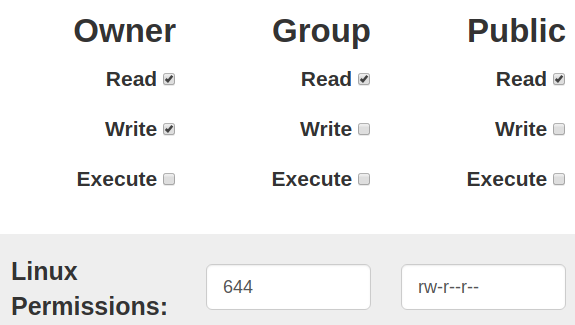
Step 4 : Set permissions for files
sudo find /path/to/your/laravel/root/directory -type d -exec chmod 644 {} \;
Step 5 : The group “www-data” owns storage and bootstrap/cache folders
sudo chgrp -R www-data storage bootstrap/cache
Step 6 : Set permissions for “www-data” user and group
sudo chmod -R ug+rwx storage bootstrap/cache
The result will be:
